Ollama-chat
Oct 12, 2026
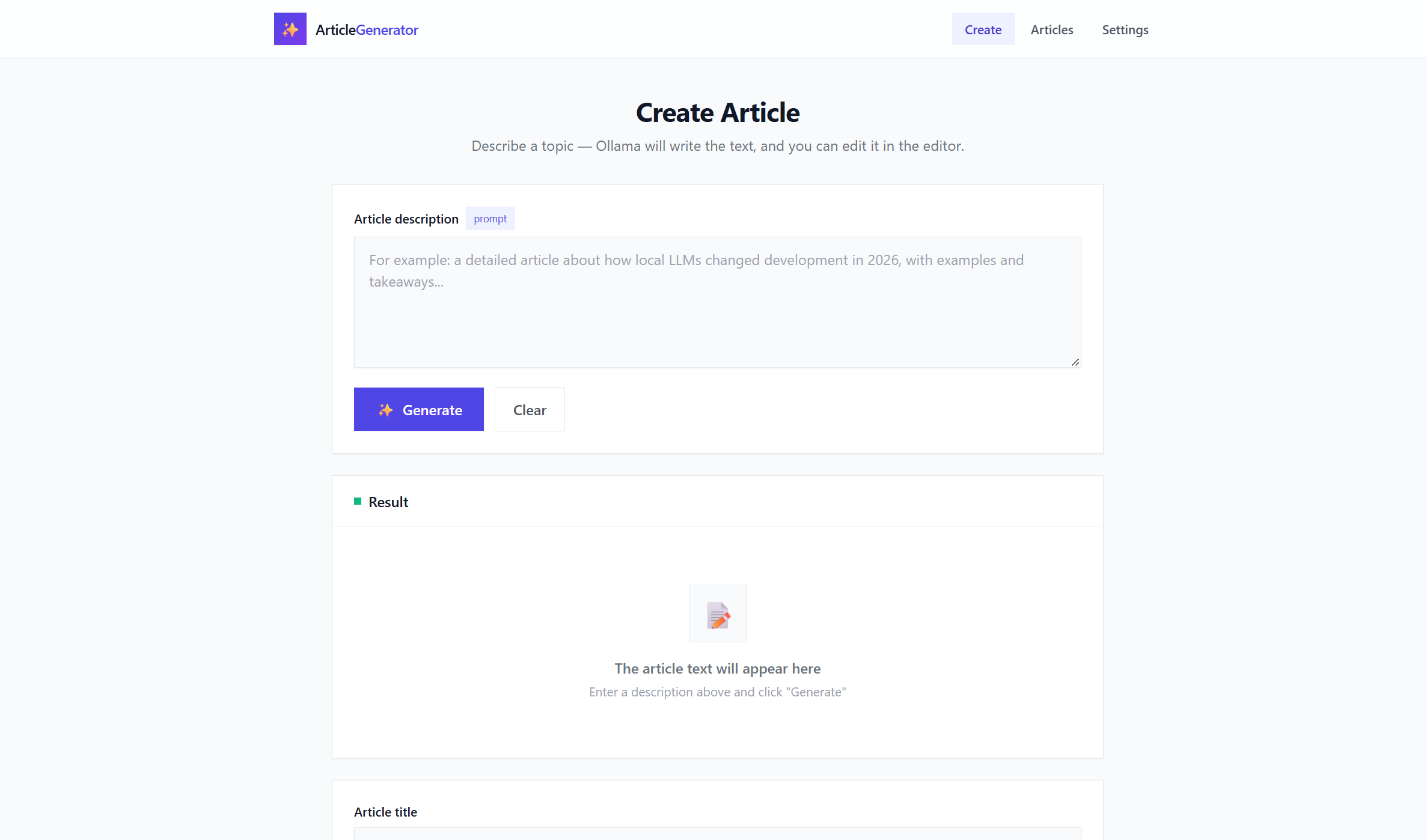
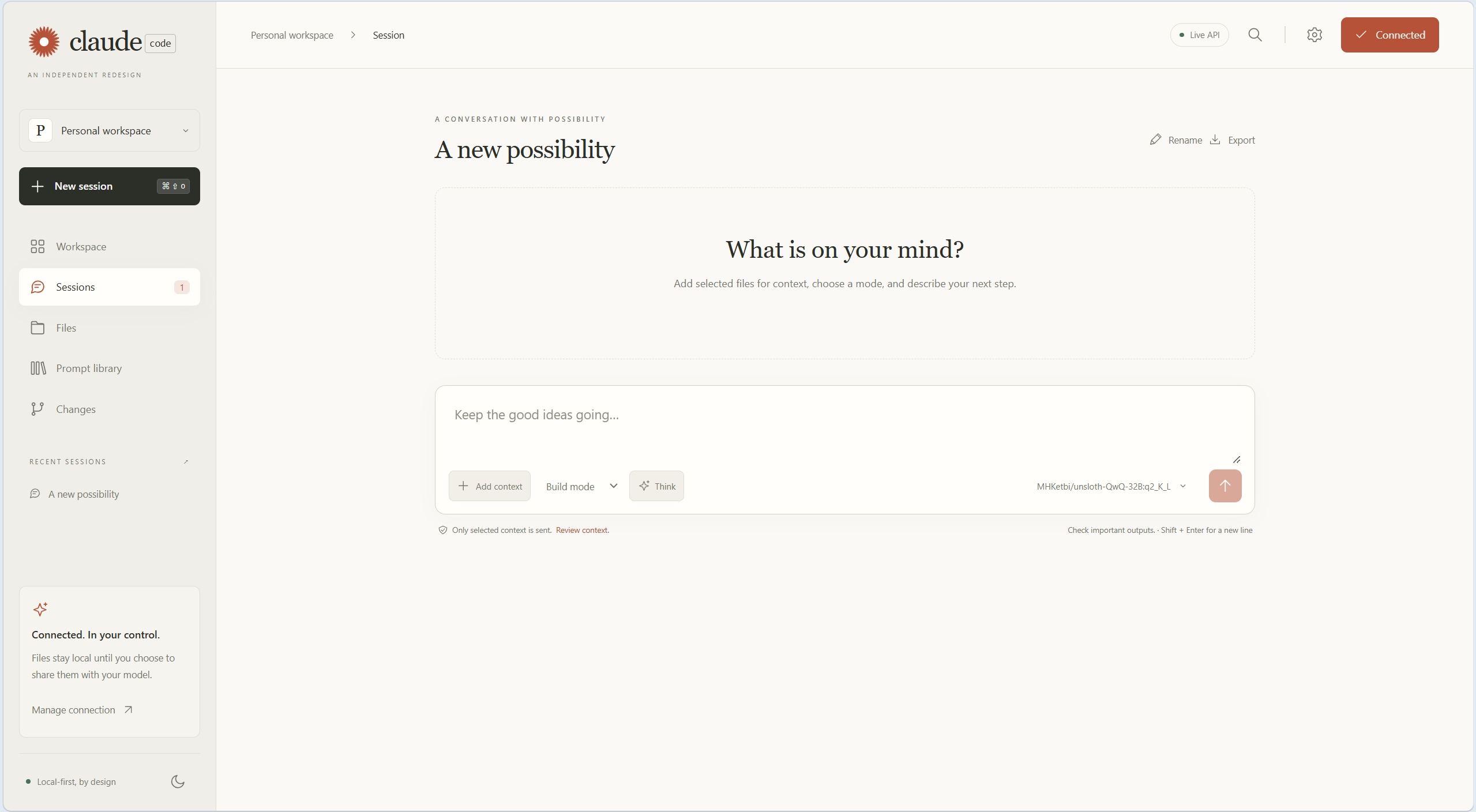
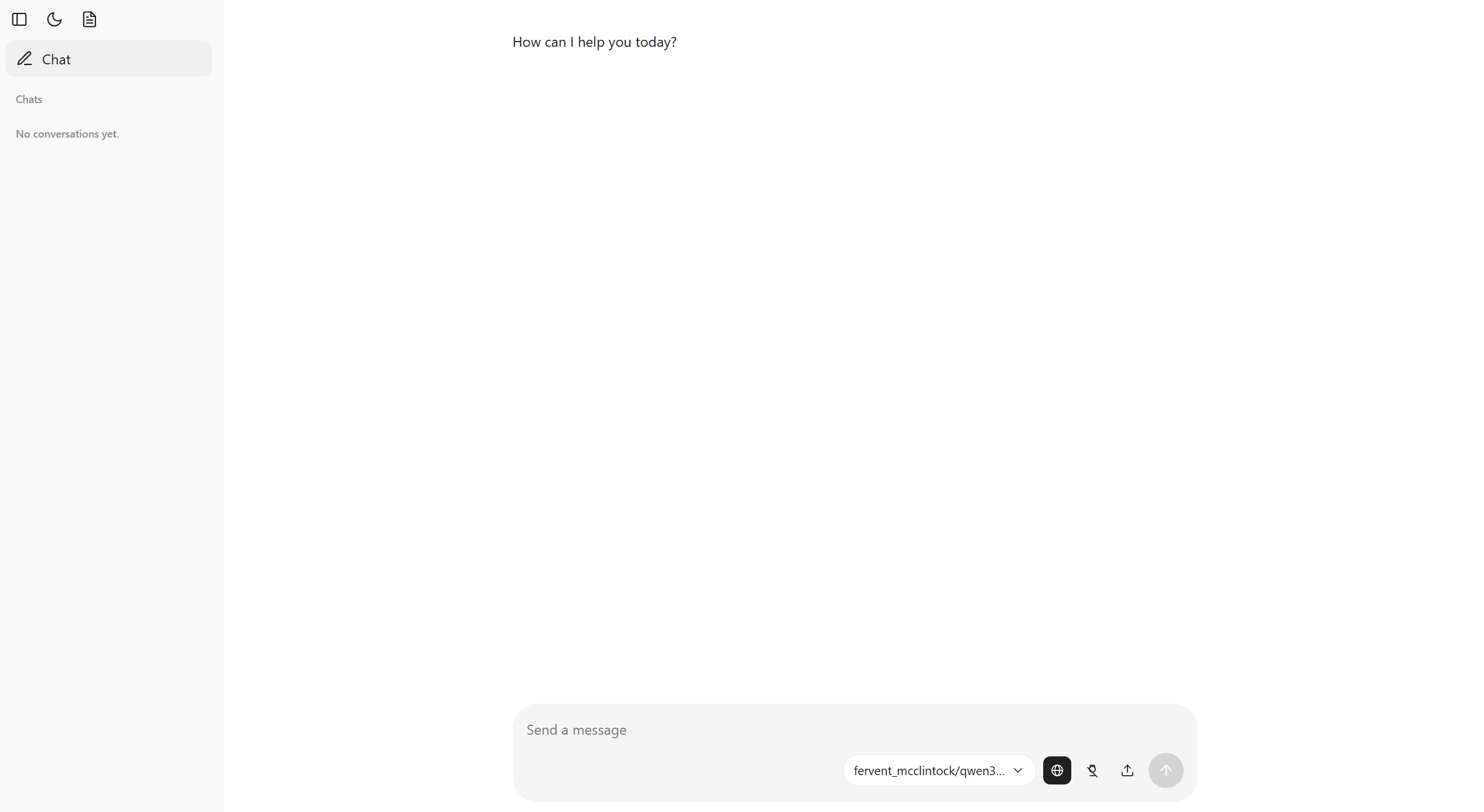
prefers-color-scheme + data-theme), new sidebar / composer / messages layout, mobile-responsive. See src/ollama_chat/static/app.css and src/ollama_chat/static/app.js.{"think": true|false} via startConversation / replyConversation → ChatManager(think=...) → ollama_chat(..., think=...) (src/ollama_chat/ollama.py:43, src/ollama_chat/chat.py:23). Persisted in localStorage (ollama-chat-thinking). Visual state icon-btn thinking-active (src/ollama_chat/static/app.css:777).{"search": true|false}, the back-end hands Ollama two tools (web_search, fetch_page) and runs the tool_calls loop (max 5 rounds per answer) → ChatManager(search=...) → ollama_chat(..., tools=...) (src/ollama_chat/web_tools.py, src/ollama_chat/chat.py). Persisted in localStorage (ollama-chat-websearch), off by default. Active class icon-btn websearch-active; used tools are shown as a collapsible block in the chat.3 / 10 counter). Supported: txt, md, docx, png, jpg, jpeg. Text is appended to user message, docx parsed with python-docx, images sent as base64 images (src/ollama_chat/chat.py:67, src/ollama_chat/static/app.js:149). Attached file names are stored on the exchange (ConversationFileRef) and shown as chips above each user message, sending with empty text allowed.accept=".md,.markdown"), reads file with FileReader and renders it inside the chat area via marked + DOMPurify (src/ollama_chat/static/app.js:505, src/ollama_chat/static/app.css:987). Header shows filename + Close preview button, Esc also closes. No upload to server, works offline.Rename in chat menu now updates both sidebar and open header instantly and awaits POST /setConversationTitle before navigation (src/ollama_chat/static/app.js:885, src/ollama_chat/static/ollamaChatConversation.bare:312).start.bat / install.bat — install.bat clones to clean folder + creates .venv, start.bat creates .venv if missing and forwards all args to ollama-chat (e.g. start.bat -p 8080).Ollama Chat is a conversational AI chat client that uses Ollama to interact with local large language models (LLMs) entirely offline. Ideal for AI enthusiasts, developers, or anyone wanting private, offline LLM chats.
Fork: OlegUshakov-pl/ollama-chat — fork of craigahobbs/ollama-chat with a redesigned theme, thinking-mode toggle, and file attachments.
Requirements: Ollama running + Python 3.11+ and Git on PATH.
install.bat (clean folder, recommended for Windows)The easiest way for new users — just copy install.bat into an empty folder and run it:
Create an empty folder and copy install.bat from this repository into it (or download it).
Double-click install.bat (or run install.bat from a console).
install.bat:1 will clone https://github.com/OlegUshakov-pl/ollama-chat.git into .\ollama-chat (if not already present), create .venv, upgrade pip, and run pip install -e . (includes python-docx for .docx support).
Go to the cloned folder and start the server:
cd ollama-chat
start.bat
The app opens at http://127.0.0.1:8080/ , config file is ollama-chat.json in the user’s home directory.
start.bat (if you already cloned)git clone https://github.com/OlegUshakov-pl/ollama-chat.git
cd ollama-chat
start.batWhat start.bat does (start.bat:1):
.venv in the project root if missing (python -m venv .venv).~* directories from site-packages.pip install -e .) if .venv\Scripts\ollama-chat.exe is not yet present (skips on re-run, works offline).ollama-chat %* — all arguments are forwarded (e.g. start.bat -p 8080 -h 127.0.0.1).You can also double-click start.bat in File Explorer.
If
OLLAMA_HOSTis nothttp://127.0.0.1:11434, set the environment variable before launching — seesrc/ollama_chat/ollama.py:19.