Ollama-chat
Oct 12, 2026
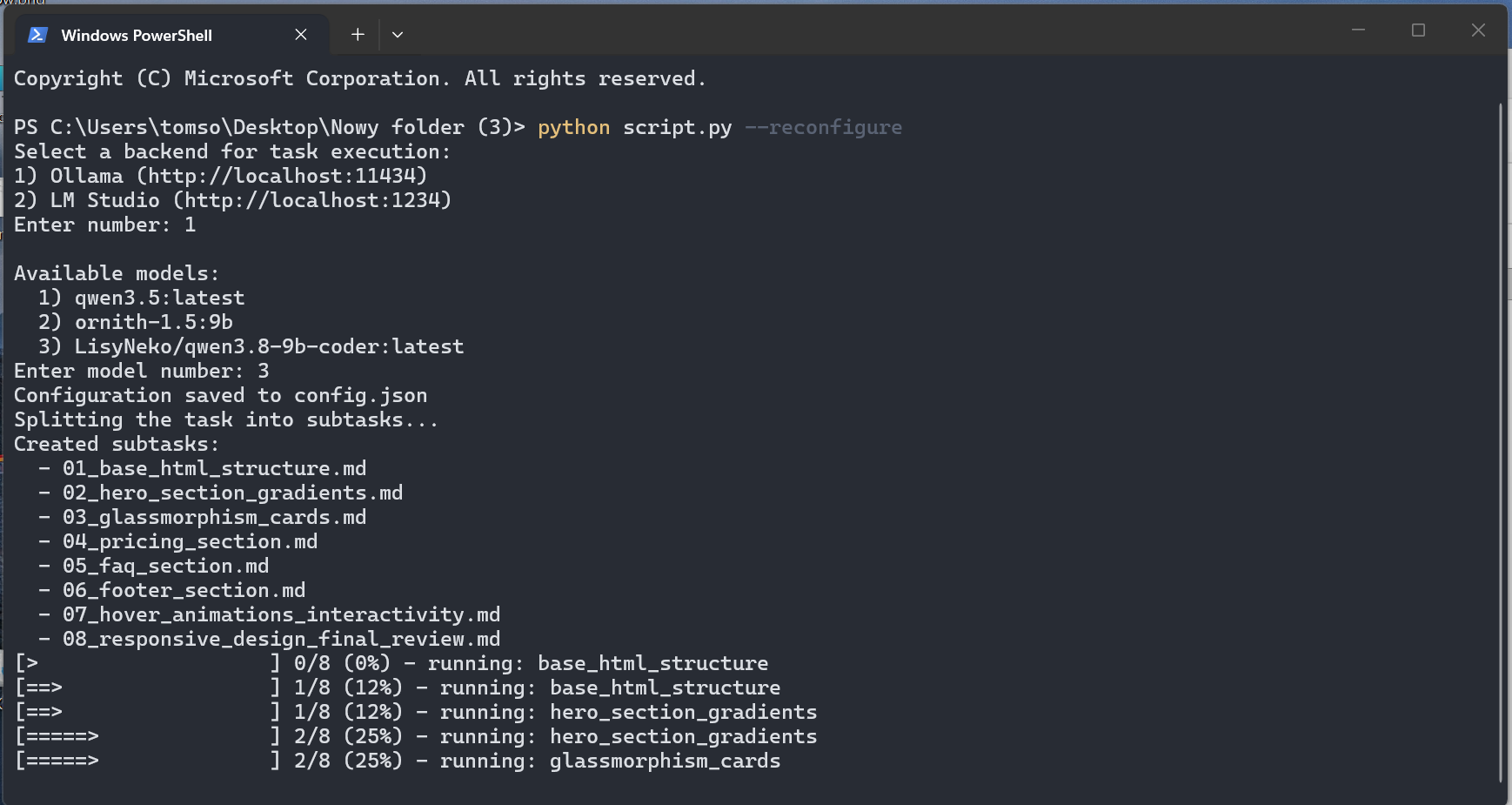
Splits a task into subtasks and executes them step-by-step via a local LLM through Ollama or LM Studio.
script.py uses only the Python standard library (urllib)http://localhost:11434) or LM Studio (http://localhost:1234) instance with at least one model pulled/loadedNo installation required — just run start.bat (Windows), it creates the venv/ virtual environment automatically on first launch. You can also run directly with your system Python:
python script.pytask.md (plain Markdown, any language).python script.pyOn the first run you will be asked to choose a backend (Ollama / LM Studio) and a model. The choice is saved to config.json.
CLI flags:
--reconfigure — ask for backend/model again and overwrite config.json
python script.py --reconfigure--resume — continue from the last unfinished step (based on progress.json), without re-planning
python script.py --resume--dry-run — only generate the subtask plan into tasks/, do not execute them
python script.py --dry-run--lang {en,ru} — language of the generated plan/subtasks (default: en); console messages stay in English
python script.py --dry-run --lang ruOn Windows you can also use start.bat (it picks venv/ Python if present and forwards all arguments):
start.bat --dry-run